
Meta has moved its Google Analytics 4 (GA4) integration out of beta, now offering wider access to advertisers. Users are being prompted to connect their Meta Ads profiles with GA4, a process Meta reports takes only 5-10 minutes and requires no coding expertise.
Meta’s internal analysis of 1,075 global ad accounts suggests a potential 5% improvement in ad performance through this integration.
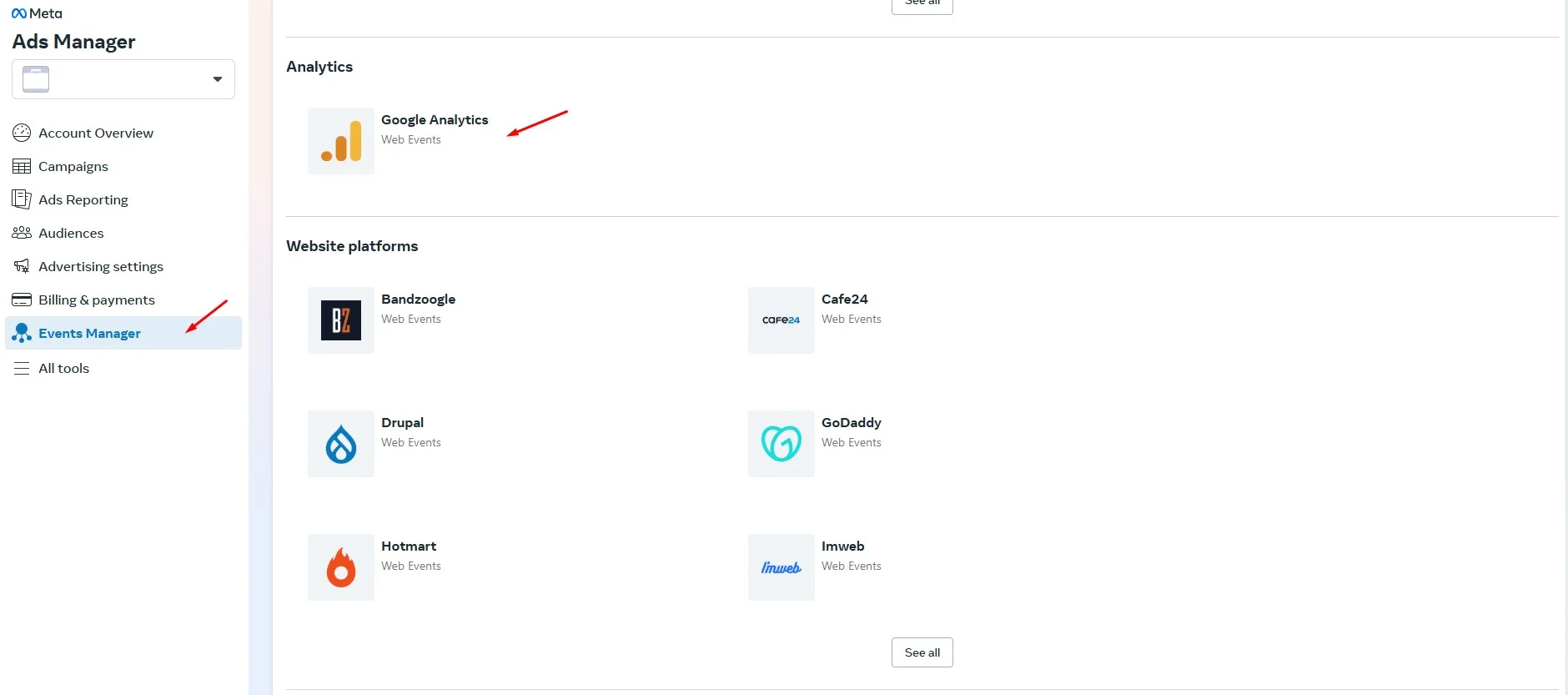
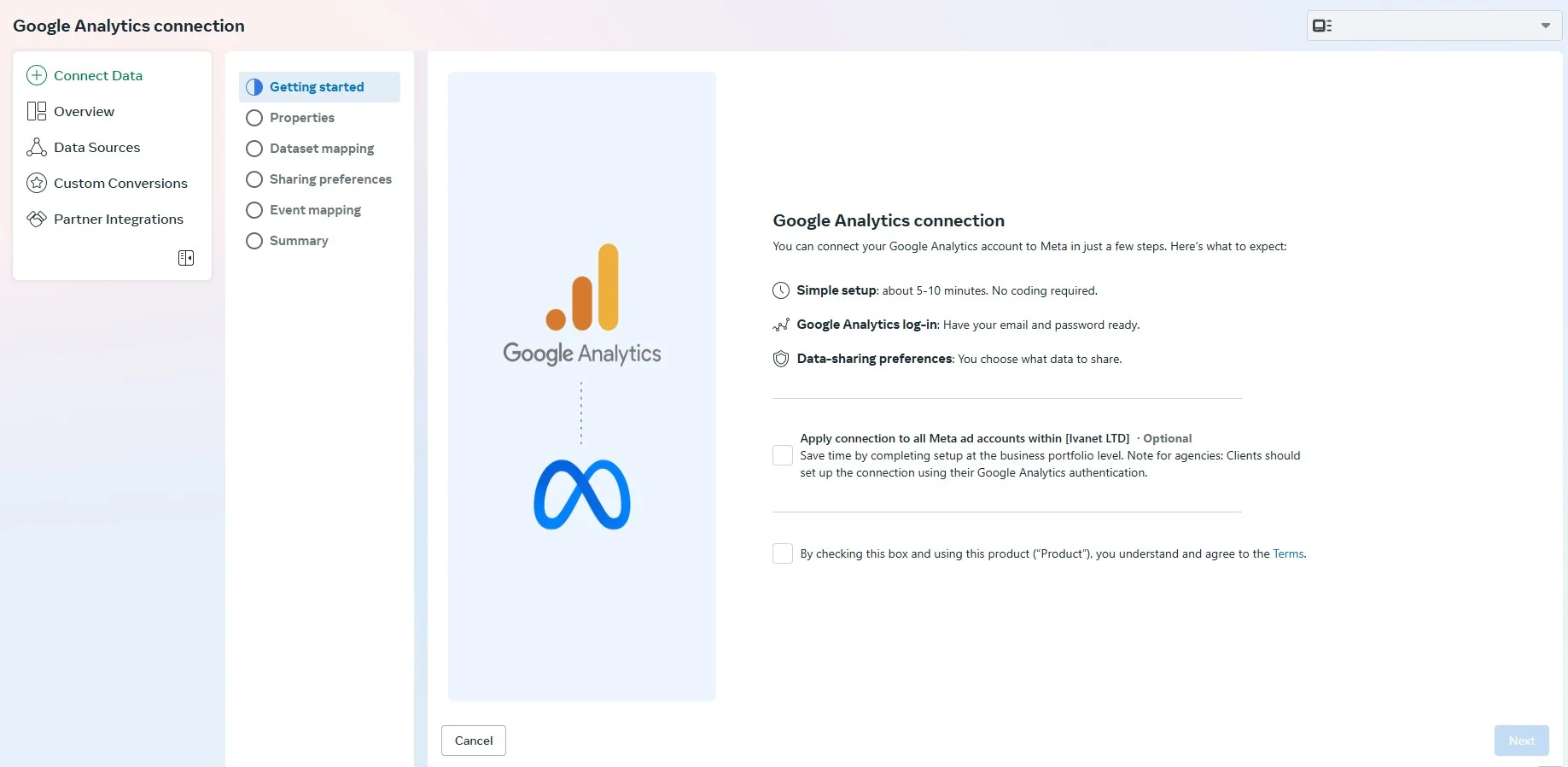
Integration Setup:
- Access Meta Events Manager: Navigate to the Meta Events Manager platform.
- Select Partner Integrations: Locate and select the “Partner Integrations” option, then scroll to “Google Analytics.”
- Connect GA4 Account: Log in to your desired GA4 account and select the relevant property.
- Link Meta Pixel: Choose the specific Meta Pixel you wish to associate with the GA4 property.
- Configure Traffic Source Access: Determine the scope of data access for Meta.
- All Traffic Data: Grant Meta access to all traffic data within the selected GA4 property.
- Meta Click Traffic Only: Limit Meta’s access to traffic originating from Meta ads (based on
utm_sourceparameters).- Important Note: This option is unavailable if your Meta ad URLs utilize more than 50 distinct
utm_sourceparameters.
- Important Note: This option is unavailable if your Meta ad URLs utilize more than 50 distinct
- Map Key Events: Select and map relevant Google Analytics key event types to corresponding Meta conversion event types, and then submit the configuration.